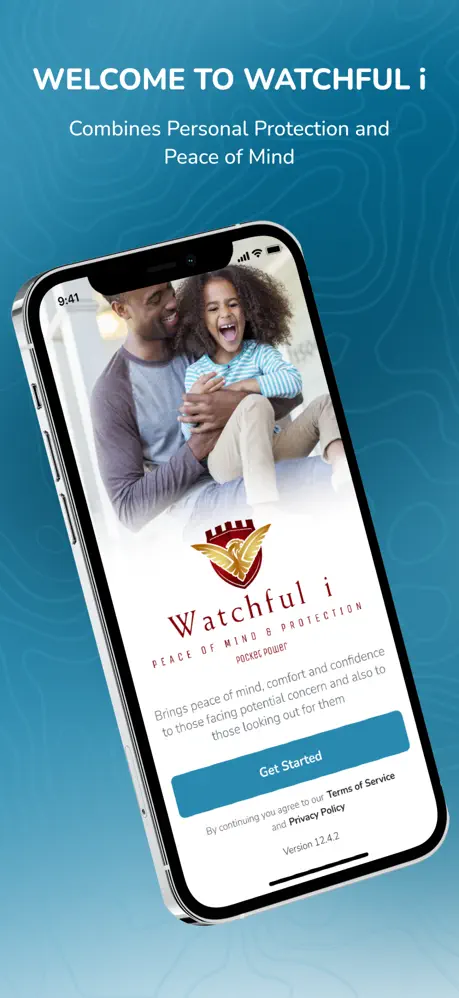
A smart safety companion for everyday situations and real emergencies.
Watchful I is a personal safety app for iOS and Android, built by Chubby Solutions, that links people with trusted Protectors through urgent alerts, live location sharing and a timed 'Watch me' mode.
Watchful I is designed to help people feel safer and get assistance when it matters. The application combines personal safety tools, trusted contacts and emergency-oriented workflows in a calm, accessible mobile experience.
The build
How we built Watchful I.
The challenge
People walking home, meeting strangers or facing an unsafe situation need a fast way to let trusted people know where they are and that they need help, without fumbling through calls or messages. Watchful I needed to make that quick and calm, keep location sharing reliable in the background, and support paid plans where one person can sponsor protection for others.
Our approach
Chubby Solutions built a React Native app around two-way Seeker/Protector relationships with invites by contact or SMS and prioritised protector lists. Alerts are modelled as a Firestore lifecycle so Cloud Functions can notify protectors, track movement and move alerts into history, while background geolocation keeps location current. A timed 'Watch me' mode uses Cloud Tasks to warn before expiry and escalate when it lapses. Subscriptions run through RevenueCat with server-side webhooks and scheduled clean-up of expired plans and sponsored seats. Alert and relationship rules are isolated in unit-tested modules.
How it fits together
The React Native app connects 'Seekers' (people wanting protection) with 'Protectors' (trusted contacts) through Firestore, with Cloud Functions reacting to alert, invite and relationship changes to send push notifications and SMS. Background location tracking feeds live alert locations, and time-based 'Watch me' sessions are managed through Cloud Tasks callbacks. A separate Next.js app hosts a knowledge-grounded AI assistant, support and policy pages, keeping AI calls behind server routes.
By the numbers
2 relationship roles
22 app screens
24 Cloud Functions
6 scheduled jobs
Core experience
Built around what users actually need.
01
Safety check-ins
Create a clear routine for confirming that you are safe.
02
Trusted contacts
Keep the people who matter connected to your safety plan.
03
Emergency workflows
Quick, focused actions designed for stressful situations.
04
Accessible experience
A simple interface that keeps critical actions easy to reach.
05
Watch me timer
Start a timed watch session that alerts protectors automatically if it lapses without an 'I'm safe' check-in.
06
Live location history
Protectors can follow an active alert's current location and location history on a map.
07
Audio recording
Record audio during an incident and review recording history.
08
Protector priority
Order protectors so the most important contacts are alerted first.
09
Sponsored seekers
A subscriber can cover other people on their plan and manage sponsored seekers.
10
AI help assistant
A web assistant answers questions about the service from a maintained knowledge document.
Technology
The stack.
Platform and frameworks
React Native 0.74 with Expo SDK 51, React Navigation and Redux Toolkit
Firebase Cloud Functions (v2) with HTTP, scheduled and Firestore triggers
Google Cloud Tasks
Background geolocation and background fetch
Next.js 16 assistant web app (React 19) with server-side API routes
Integrations and services
Firebase Cloud Messaging push notifications with Notifee
Twilio SMS invitations
RevenueCat in-app subscriptions (with webhook)
Google Maps (react-native-maps)
Mixpanel analytics
Meta (Facebook) SDK
Anthropic Claude for the web assistant
Device contacts access for inviting people
Our contribution
From product thinking to a shipped experience.
Product strategyUX & UI designFrontend developmentBackend & integrationsQuality assuranceLaunch support
Questions
About Watchful I
Who built Watchful I?
+
Watchful I was designed and developed by Chubby Solutions, a web and mobile app development studio based in Doreen, Melbourne. Chubby Solutions handled product strategy, UX & UI design, frontend development, backend & integrations, quality assurance and launch support.
What technology is Watchful I built with?
+
Watchful I is built with React Native, Expo, Next.js and React. The React Native app connects 'Seekers' (people wanting protection) with 'Protectors' (trusted contacts) through Firestore, with Cloud Functions reacting to alert, invite and relationship changes to send push notifications and SMS.
Which platforms is Watchful I available on?
+
Watchful I is available on iOS, Android and Web. App Store and Google Play links are listed at the top of this page.
When was Watchful I built?
+
Chubby Solutions began building Watchful I in 2024 and has continued to develop it through 2026.
Can Chubby Solutions build a similar app for my business?
+
Yes. Chubby Solutions builds custom iOS and Android apps, web portals and backends for businesses across Melbourne and Australia. Get in touch through chubbysolutions.com.au/contact-us to discuss your project.